Cart 0


10 Ways an AI Skin Analyzer Can Improve Aesthetic Consultations
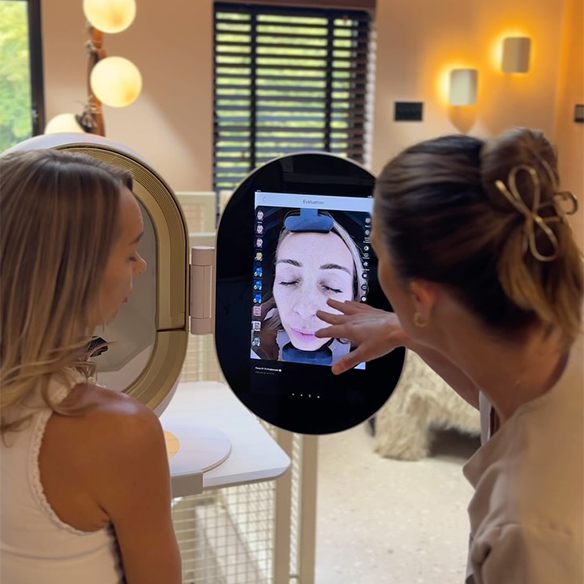
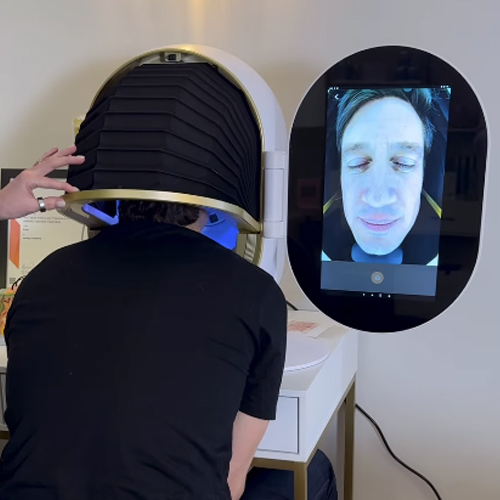
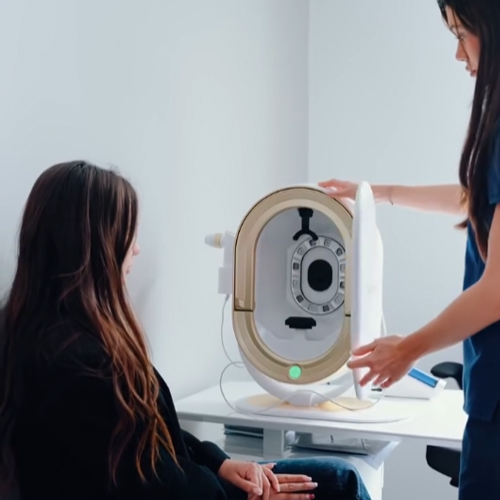
A visual consultation gives the client and the provider the same starting point. For Canadian clinics and med spas, an AI skin analyzer such as the Opatra Dome Pro combines RGB, polarized and UV imaging with AI-assisted reporting. This makes skin concerns easier to see, explain and track over time.
The scan supports the consultation. It does not replace a practitioner’s judgment, and it is not a medical diagnosis.
1. Make concerns visible
Clients understand a recommendation more easily when they can see what the practitioner is pointing to. Side-by-side views of the left and right face can also show concerns that appear more on one side.
2. Capture a consistent baseline
A repeatable starting image lets the team document the treatment journey from the first visit.
3. Use multiple imaging modes
RGB, polarized and UV views each show different visual information, which gives the practitioner more to discuss than a standard photo.
4. Explain recommendations clearly
A visual report connects what the practitioner observes to a plan the client can follow.
5. Personalize treatment sequencing
Clinics can load their own services and device protocols into the system, so recommendations reflect what the clinic actually offers and the provider can order them around the client’s goals.
6. Ground skincare recommendations
The report can suggest home-care products from the clinic’s own range, linked to the concerns the client has just seen on screen. The practitioner can then adjust the suggestions for each client.
7. Review progress over time
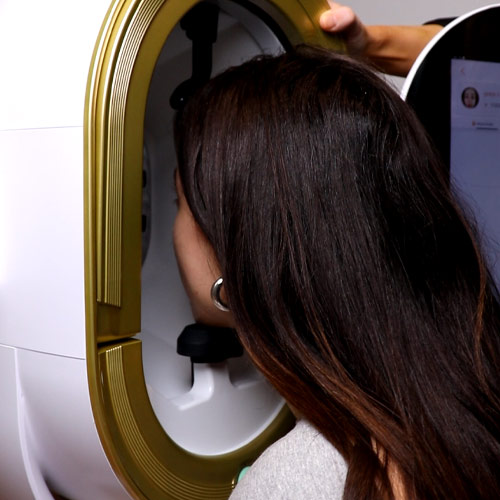
Repeat scans of the same client can be compared by date. The chin rest and positioning grid help reproduce the same angle, so comparisons between visits are more meaningful.
8. Standardize the consultation workflow
A documented scan process helps every team member explain findings the same way.
9. Create an educational experience
Track scan-to-treatment conversion, repeat visits and client satisfaction to test the business value for your clinic.
10. Measure consultation performance
Visual simulations of how skin may change over time can start a conversation about prevention and home care. Present them as illustrations, not predictions.
Where Opatra Dome Pro fits in a clinic workflow
| Step | Action |
|---|---|
| 1. Intake | Confirm consent to imaging, screen for restrictions listed in the device manual (such as pregnancy or light sensitivity) and discuss skin goals |
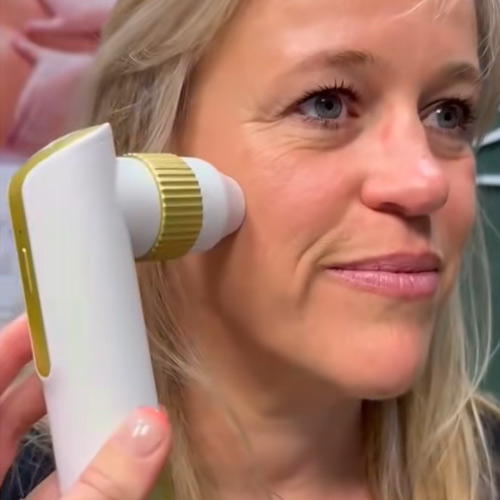
| 2. Scan | Position the client using the chin rest and grid, then capture images |
| 3. Review | Explain observations and the limits of the scan |
| 4. Plan | Recommend suitable treatments and skincare |
| 5. Reassess | Repeat imaging and compare results with the baseline |
If you’re comparing skin analysis machines, ask each supplier about imaging modes, report customization, staff training, total cost of ownership, and how client images and reports are stored, shared and backed up. For a closer look at the device and its business case, see our Opatra Dome Pro skin analyzer guide.
How to make the scan part of the client journey
The scan should start a conversation, not just produce a report. Pick two or three priorities, explain which observations relate to the client’s goals, and outline a realistic sequence of services. Presenting every finding at once can make the consultation feel less personal and harder to act on.
Explain what a score represents. Results are comparative, and clinics can adjust the rating thresholds, so a score shouldn’t be presented as an absolute measure of skin health.
At follow-up visits, keep positioning, lighting and image settings consistent so comparisons are meaningful. Pair the images with the client’s own feedback and treatment record. Visible change is often gradual, and a scan should never be presented as a diagnosis or a guaranteed outcome.
Lumapharm’s Opatra Dome Pro training walks your team through capturing consistent images and building the scan into the consultation.
Ready to see it in action? Ask Lumapharm for an Opatra Dome Pro demonstration and a sample consultation workflow. Book a skin scanner demonstration.